2022.1

Bug fixes
-
Fallout 4 support
- "Command line is too long" error should occur less by using Powershell. Powershell is installed by default starting with Windows 7.
- When closing the drawer panel, links could break into multiple lines
- Duplicated logs entry
Features
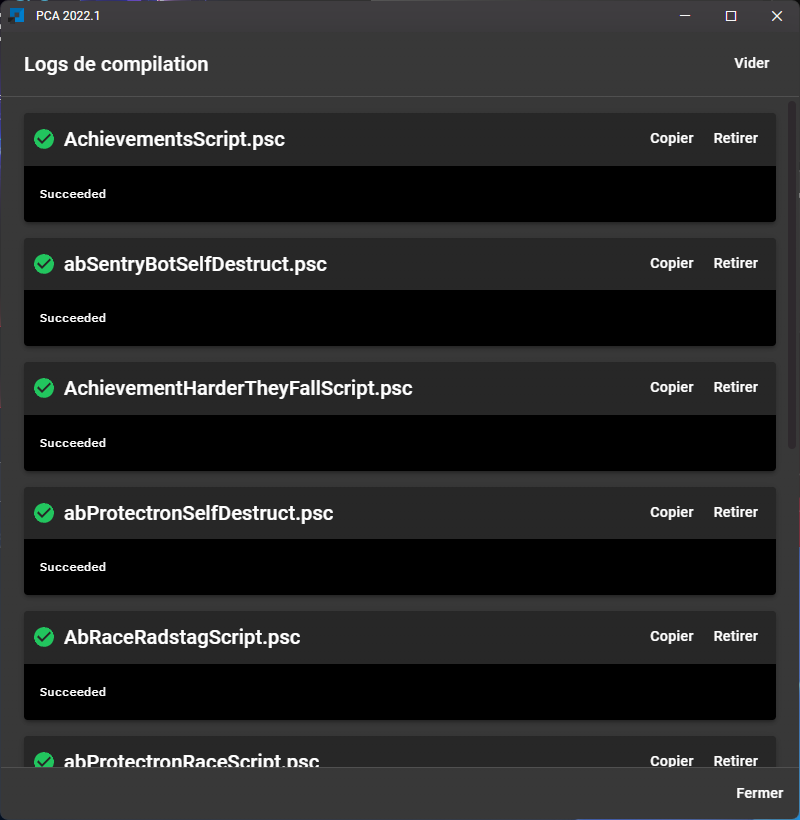
- New compilation logs view
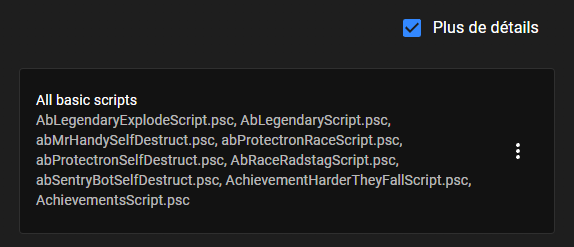
- Group preview is replaced with a new "more details" button

-
New design
-
The configuration is now checked when you enter the compilation page, giving you any tips if your configuration is wrong.
-
Better mo2 configuration check
-
Button to open compilation logs now changes color at the end of a compilation
Green: when all scripts compile successfully
Red: when a script gone wrong
-
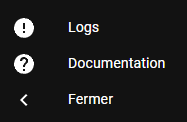
New documentation released: access the documentation via NexusMods or with the new button at the bottom left
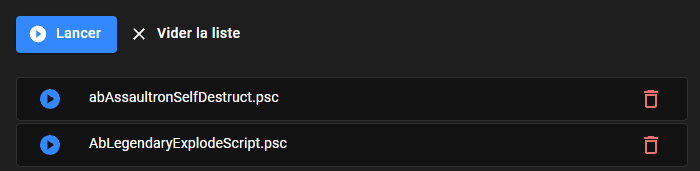
- You can now compile the script of your choice from the list
- Recent files: option to show the script's full path (#130)
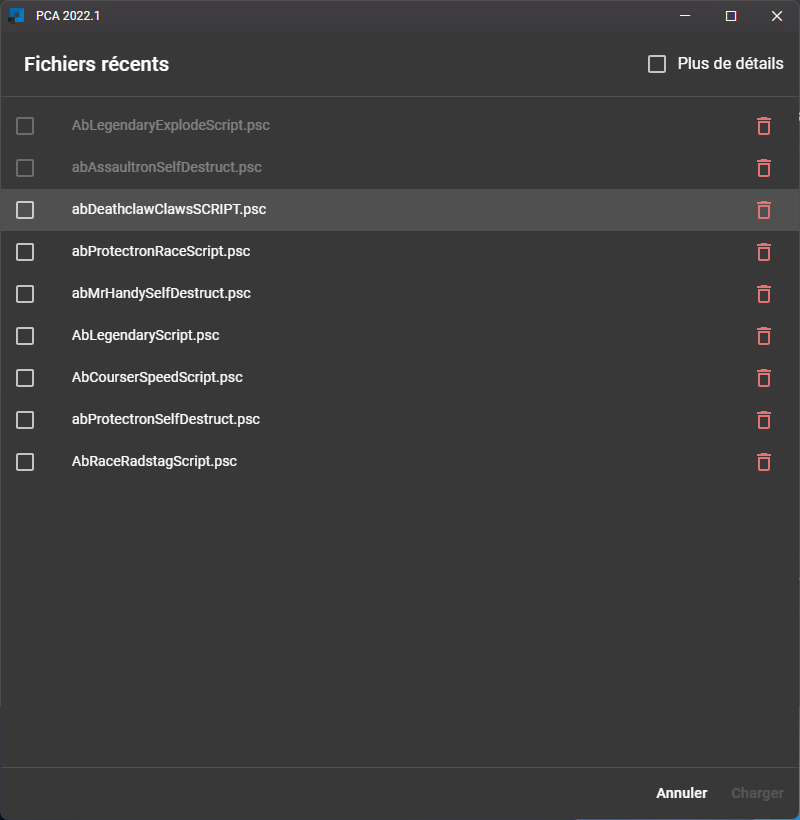
- Recent files dialog displays more scripts at once
It is now easier to click on a line
- A loading screen now appear when the application start
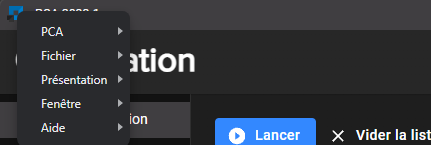
- New application titlebar
The application menu is now accessible with the application icon at the left
- The position of the app is now memoized between launchs
- Bumps dependencies
- Changelog window correctly displays images
- The application restarts when resetting the configuration